

Studio workflows
The hands-on parts, actually built in
Generic booking software stops at the calendar. Urbino also handles the messy, physical parts of running a studio — classwork, station bookings, materials, and marketing under your own name.
- Classwork tracked from class to collection
- Stations and equipment booked around your hours
- Marketing and emails that look like your studio, not ours
Step 01
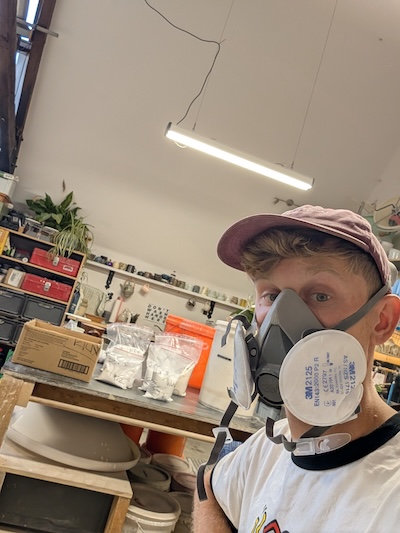
Classwork tracking
A little help collecting finished work.
- Track every piece from class to collection
- Mark a piece ready and its maker gets a nudge
- Ideal for pottery and ceramics firing and glazing

Step 02
Station & equipment booking
Let members and students reserve your equipment.
- Pottery wheels, sewing machines, workbenches
- Set how many stations you have
- Bookings respect your opening hours

Step 03
Materials shop & inventory
Sell materials and supplies alongside classes.
- Clay, glazes, tools and kits
- Stock counts itself down as things sell
- Know what's running low before you run out

Step 04
Marketing & email campaigns
A hand filling a quiet class.
- Reach out to students and members who've booked before
- Compose from text and photos
- Unsubscribes handled for you

Step 05
Automated email updates
Keep everyone in the loop without the manual sending.
- Booking and renewal confirmations
- Class reminders and post-class follow-ups
- The occasional announcement

Step 06
Your own branding
It should look like your studio, because it is.
- Your colours, logo and studio name throughout
- Branded booking and membership pages
- Branded emails, sent from your studio's name
Think it might suit how you run your studio?
Setup takes about ten minutes, and everything here is built in from the start — no bolt-ons, no workarounds.